Built on tools you already use.
Microsoft 365 Copilot
The AI engine behind every scan, briefing, and recommendation. A Copilot Premium license is required.
Learn about M365 Copilot →WorkIQ CLI
Connects FlightDeck to your Microsoft 365 — email, Teams, calendar, and docs. Must be enabled by your tenant admin.
Enable WorkIQ CLI →FlightDeck ships with the WorkIQ CLI built in. Check the requirements →
Features
Everything surfaces.
Nothing slips.
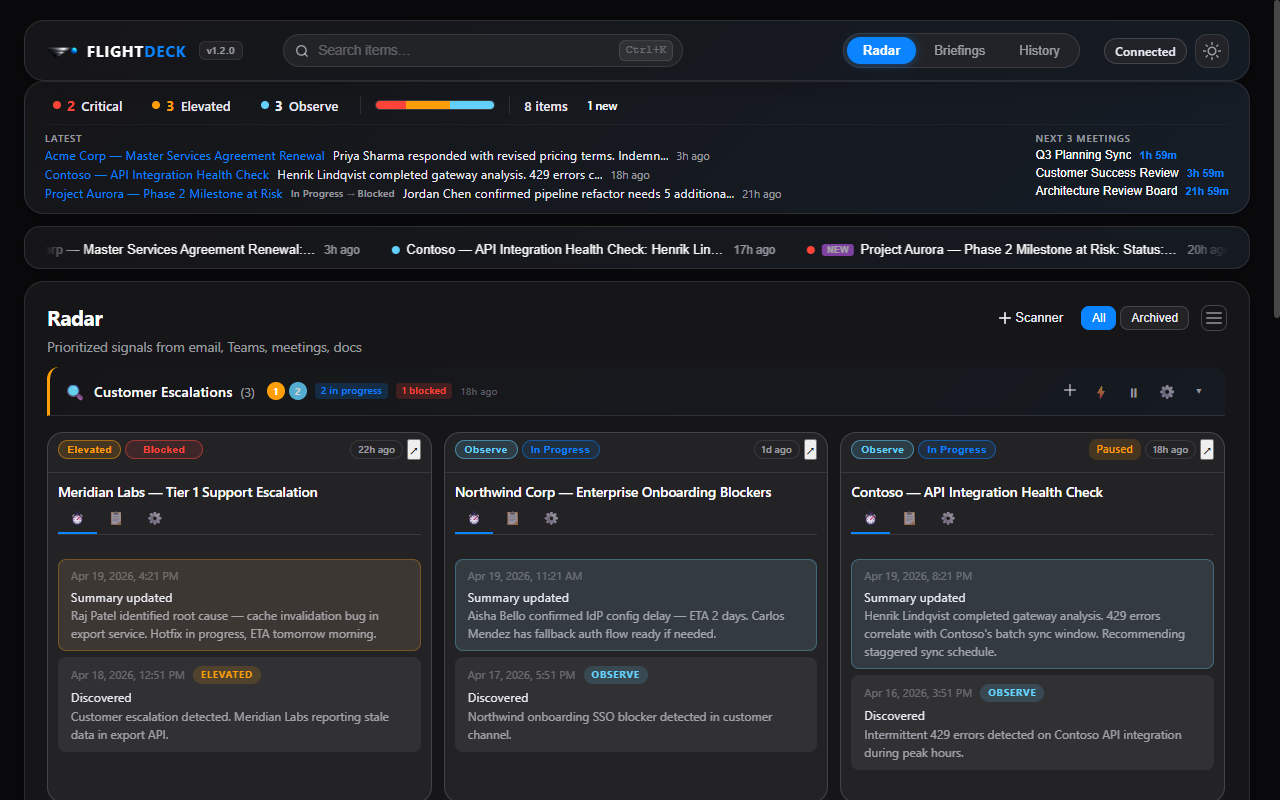
Scan
See everything. Miss nothing.
AI-powered scanners continuously monitor your email, Teams chats, meetings, and documents. Every signal surfaces automatically — ranked by urgency.
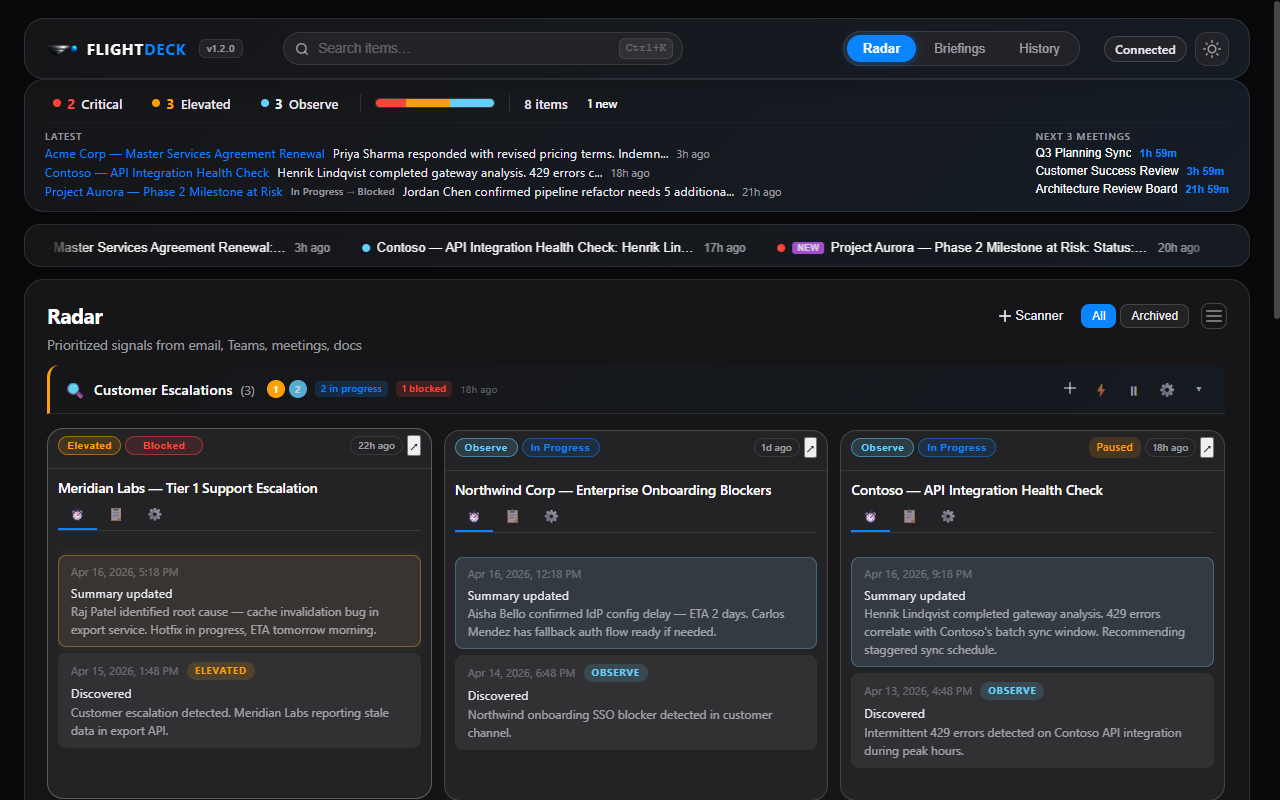
Track
Set it. Forget it. Get notified.
Promote any item to active monitoring. FlightDeck watches for meaningful changes, auto-detects when items become blocked or complete, and sends desktop notifications when something moves.
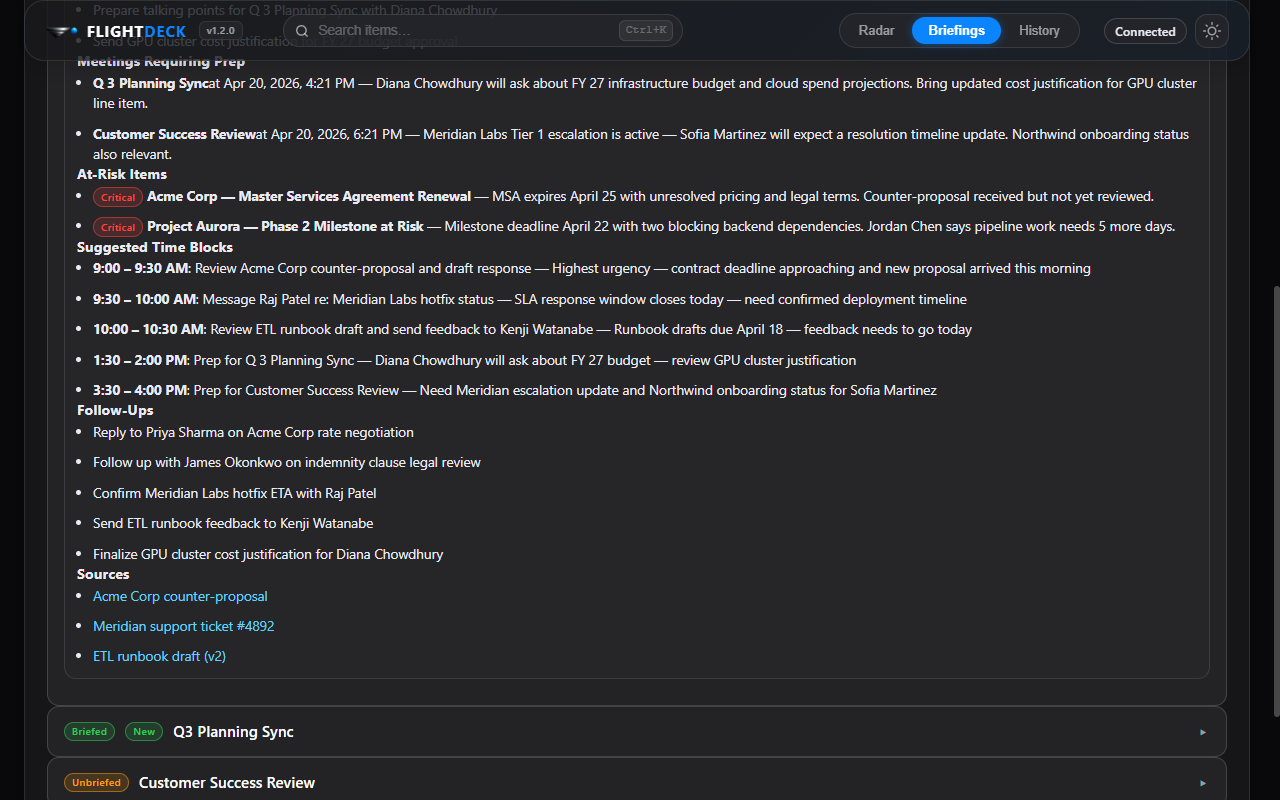
Brief
Walk into every meeting prepared.
AI-generated briefings pull context from related emails, chats, and documents. Get a daily overview plus per-meeting prep — automatically.
How it works
Three steps to clarity.
Connect
Link your Microsoft 365 in one click. FlightDeck handles the authentication — no terminal commands needed.
Scan
AI-powered scanners run on your schedule, searching email, Teams, meetings, and docs for signals that matter.
Act
Track items, monitor for changes, and get AI briefings — automatically. Walk into every meeting prepared.
Deep dive
Designed for focus.
Smart Scanners
Create named, scheduled AI scanners that continuously search your Microsoft 365 for specific topics. Configure signal types, schedules, dedup strategies, and notification preferences.

Automatic Status Tracking
FlightDeck continuously triages your items — automatically detecting when something becomes blocked, is waiting on someone else, or is complete. Define "done" criteria and the AI watches for the signals that match, updating status and disabling monitoring when the job is finished.
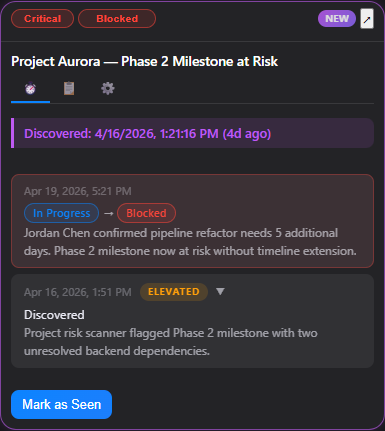
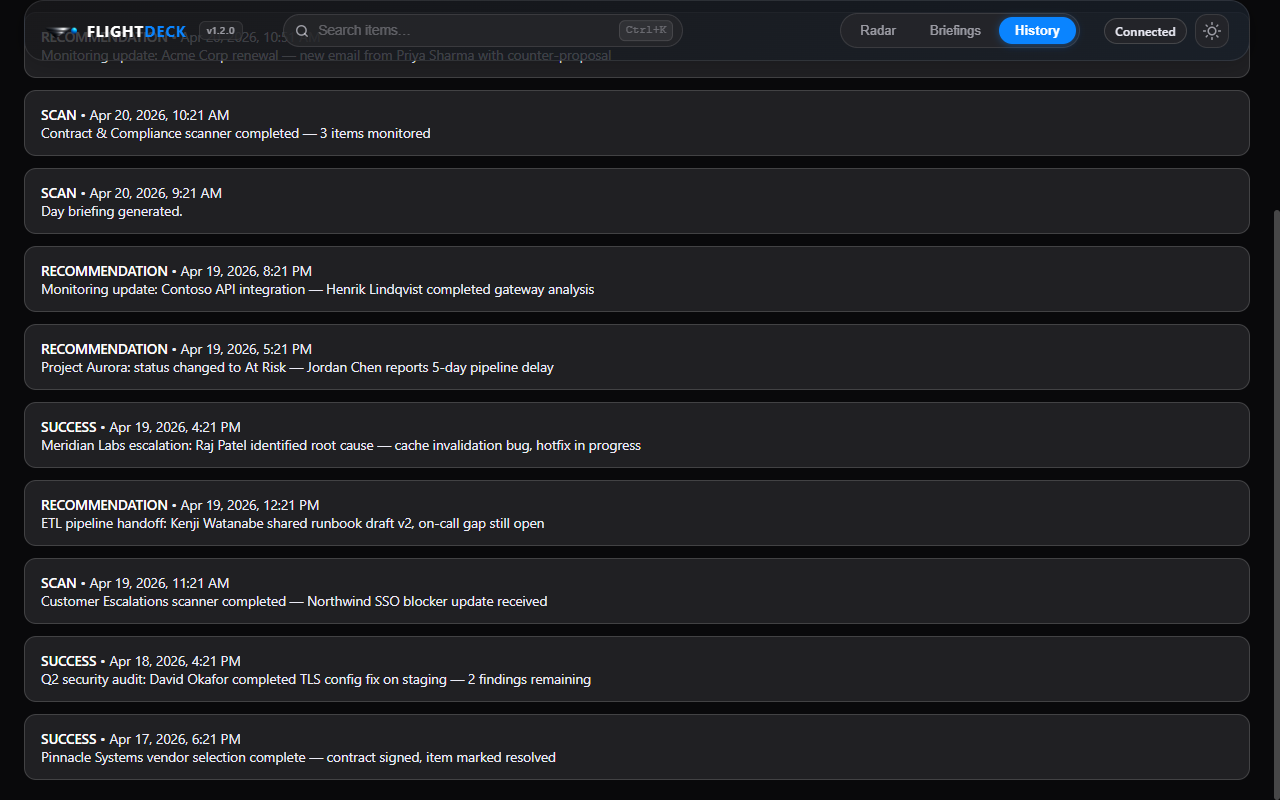
Full History
Every scan, every recommendation, every system event — timestamped and searchable. The complete audit trail of your work signals, always available.
System Tray & Pop-outs
Minimize to the system tray and keep monitoring in the background. Pop out individual items into dedicated windows for deep-dive tracking alongside your other work.
Ready for takeoff?
Get FlightDeck on your machine in seconds.
Before installing, make sure you meet the requirements.